Deutsch

The songbook that goes on stage with you.

Chords, tabs, recordings and setlists on the iPad on your music stand. Prepared on the Mac. And always with you on the iPhone.

Coming soon to the App Store
  • No account
  • No subscription
  • Works offline*
Coripo on the iPad: library in the sidebar, the song list and an open chord sheet The player above the sheet: the cover of “Three Hundred Sheets”, markers for intro, verse and chorus, and below the version the length, tempo and vocals Coripo found in the recording Live mode in full screen, with the notch on top: position, current and next song, the time and the expected end of the set
  • Every song, one tap away.By title, artist, tag or songbook.
  • The recording lives with the song.Coripo picks out the tempo and the vocals, from iOS 27.
  • On stage, hands on the instrument.Full screen, paged by foot pedal.

One library, three devices

The right tool for every situation.

The same songs, setlists and recordings on all three, through your own iCloud.

iPad · On stage

The one that goes on stage.

Large and easy to read on the music stand. You turn the page with a foot pedal. Below the clock, you see when the set is expected to end.

Live mode on an upright iPad: the time at the top, and below it when the set is expected to end
Enlarged: the time and, below it, the expected end of the set

Mac · At the desk

Where songs are written and sorted.

Writing and editing songs is fastest on the Mac. Build your setlists and print them right there.

Coripo on the Mac with two songs open as tabs: library, songbook and the sheet, with the song’s YouTube video playing in the bottom right corner

iPhone · Always with you

The best songbook is the one you have with you.

At a session, on the train, when the iPad stays home: the same songs, the same setlists.

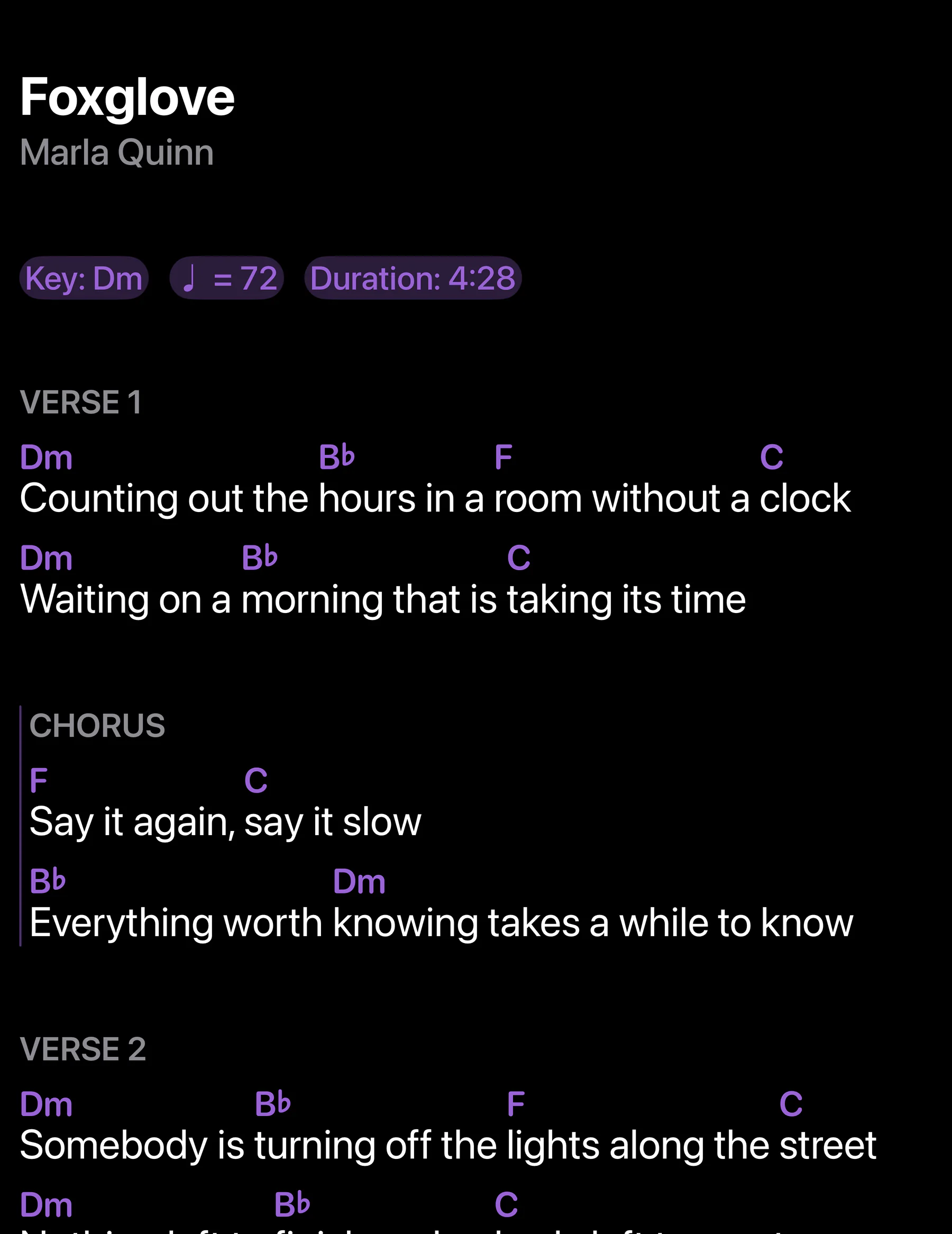
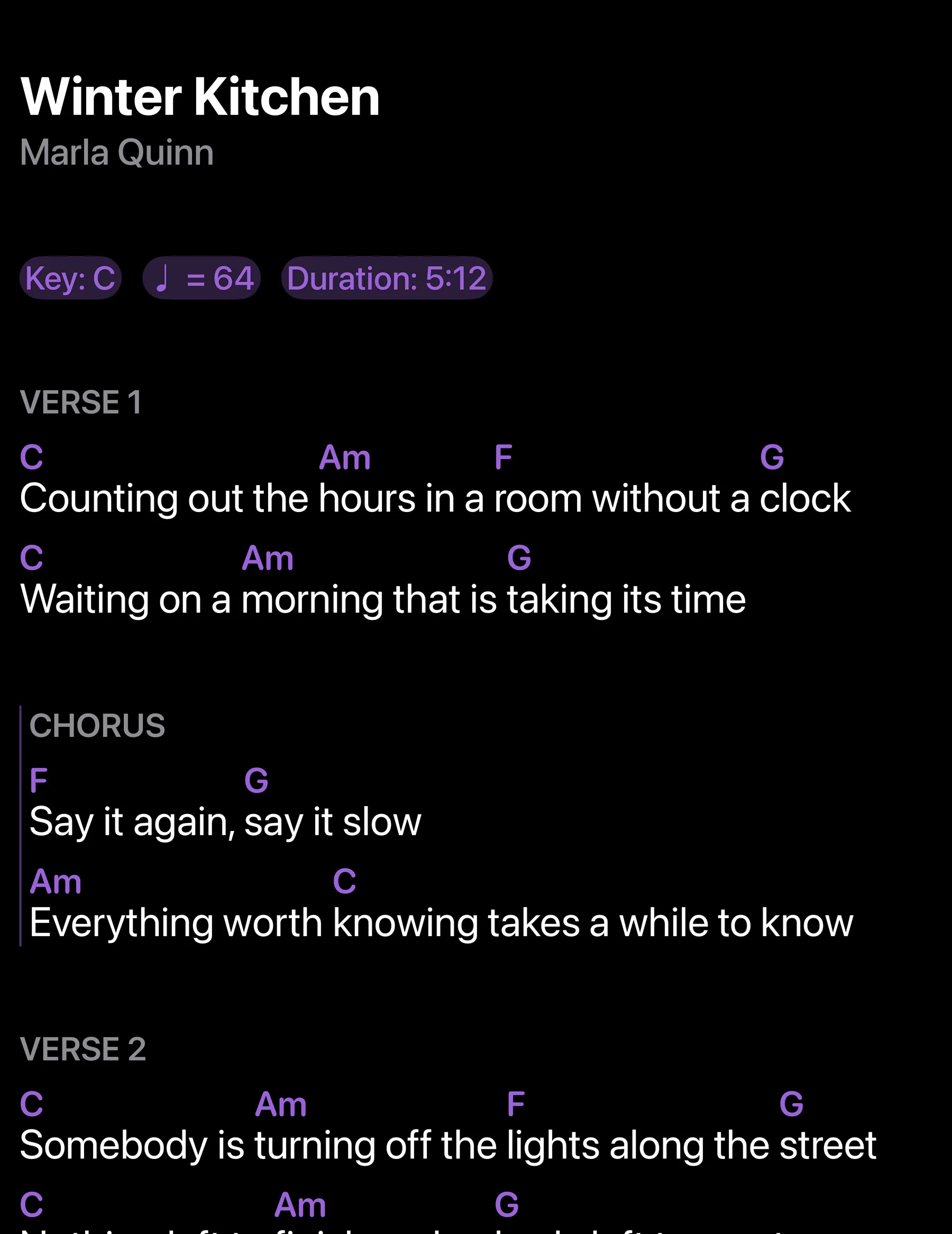
A chord sheet with a bass tab on the iPhone
  • Your own iCloud.No sign-up, no account, no server of ours.
  • Handoff.What is open on the Mac, the iPad picks up with a tap.
  • No subscription.Unlock it once, and it is yours.
  • Works offline*.Even in a rehearsal room without Wi-Fi.

A sheet that thinks along

Your sheet, in your key.

Too high for the singer? A capo on the guitar? A five-string bass? The sheet adapts.

  • Transpose the tabs too. The riff lands right on the new frets.
  • Chord diagrams for any stringed instrument. Guitar, bass and ukulele, in any tuning.
  • Tab without the fiddling. The tab keyboard has everything you need for it.
  • Tap and listen. Play the key and the chords right on the sheet.
  • Wherever your sheet comes from: Coripo takes it in and puts it into shape.

Also: capo with the key kept, left-handed diagrams, piano, German notation (H stays H), Nashville numbers.

The editor with the tab keyboard: digits for frets, keys for string, bar and note, next to a preview of the bass riff

Practice with the recording

Hear the hard part, as often as you like.

Jump to the hard part and let it loop. Slower, until it sits.

  • Loop and markers. A to B with one button.
  • 0.5× to 1.2×, same pitch. Slower until it sits, a little faster once it does.
  • Length and tempo of the recording go into the song with one tap.
  • Record yourself right on the song.
  • Several versions per song: studio, rehearsal, demo.
  • Play along with YouTube. The video sits in a corner over the sheet.
  • Your music from files, the music library, your own Navidrome server or Apple Music.
The player next to the song list: a loop over the chorus, tempo at 0.8×, markers for intro, verse and chorus
Enlarged: length, tempo and vocals of the recording, each with a button to take it into the song

Enlarged: what Coripo finds in the recording. When you import a track, Coripo works out its length, its tempo and where the vocals start and end. Tap + to take a value into the song. Auto-scroll makes use of the vocals: the sheet starts moving when the singing starts and is at the bottom when it ends. Tempo and vocals from iOS and macOS 27.

Before the first note

Tune up and count in, right over the sheet.

Both float above the song, and you keep reading.

  • The metronome starts at the song’s tempo. Save a new one straight to the song.
  • The click keeps going when you close it and turn to the next song.
  • The tuner, analog or digital, at 440 Hz or wherever your band tunes.
  • On the Mac, both are windows of their own and stay above every app.

On stage

Hands stay on the instrument.

The lights go down, the first song is counted in. From here on, you turn pages with your foot.
  • In Live mode, only the song counts. Full screen, readable from a distance.
  • Your pedal, your layout. Put each key on whatever you need.
  • The sheet scrolls by itself, at the tempo you set or along with the recording.
  • Plan and print setlists, large enough for the floor in front of the monitor.
  • Will we make it by ten? Below the clock: when the set is expected to end.
  • Dark on a dark stage. The whole app goes dark, the sheet included. If you prefer, the sheet stays white paper.
The printed setlist for the Living Room Show: nine songs in large letters, cues in red
Live mode for the Living Room Show on an upright iPad
The printout from Coripo: large titles, cues in red.

PDFs too

Write on your sheet music.

A fingering, a breath mark, a reminder for the next rehearsal. With Apple Pencil or your finger.

  • Pen and highlighter, right on the page.
  • Sticky notes and text boxes in the margin.
  • Stamps for the usual signs: segno, coda, dynamics, fermata.

And for your corner of it

Not everyone needs these. Whoever does, needs them a lot.

Your own server

Your music from your own Navidrome server, downloaded or linked.

Smart songbooks

They fill themselves, from a tag, a key or a tempo.

Key detection

If the sheet gives no key, Coripo reads it off the chords.

Staff and tab paper

Blank pages for your own instrument, attached to the song.

Loop on the beat

The loop snaps to the beats. Coripo detects the tempo from the recording.

iOS and macOS 27

Bring your library along

Backups from OnSong and SongbookPro come in with their PDFs, setlists and folders.

Everything else you would expect

And most of it with something extra.

  • ChordPro, text and PDF side by side
  • Mark up PDFs pen, sticky notes, text boxes
  • Tags, search, drafts and recently opened
  • Sorting that ignores “The”
  • Scan sheet music with the camera
  • Songs from the web with your own sources
  • Shortcuts and Siri “Start Live Mode”
  • Import and export ChordPro, PDF, bundles
  • Statistics what you have not played in months
  • English and German

Open a song and play.

Cover band or your own songs, singer-songwriter, church and choir music, teaching or the rehearsal room: Coripo is for everyone who wants their songs well organized and always at hand.

Coming soon to the App Store
  • Free to try, unlocked with a single purchase. No subscription.
  • Requires iPadOS 17, macOS 14 or iOS 17. Syncing runs through your own iCloud and needs an Apple Account.
  • Apple Music needs a subscription. Scanning, marking up PDFs and Apple Music are iPad and iPhone features.
  • * Without a connection, everything stored on the device still plays. Linked tracks from Apple Music or Navidrome, and videos, need a connection.